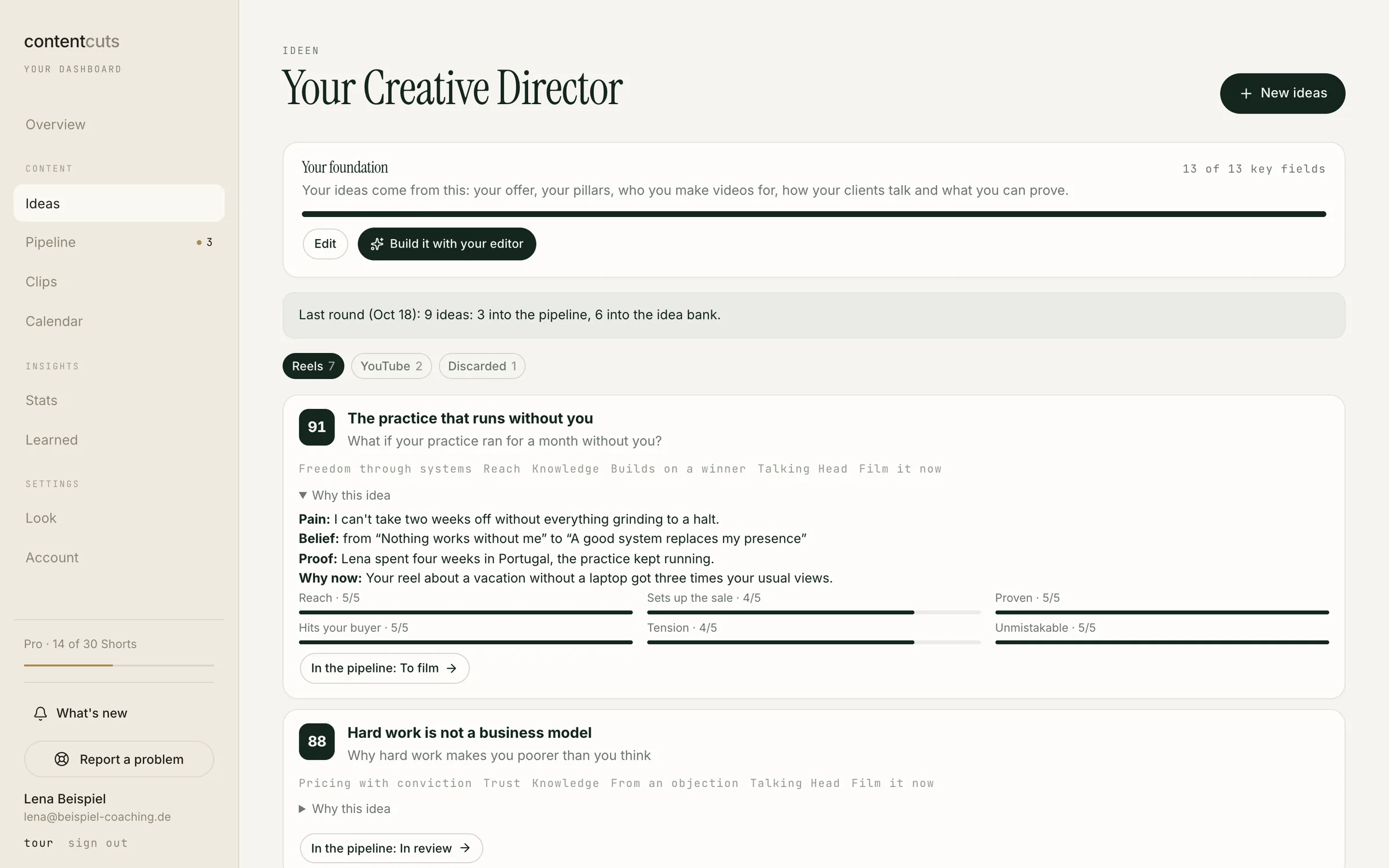
01 · Ideas
Never start from a blank page.
Fresh hooks and scripts every month. Made for your business and your audience.
Raw footage in. Ready-to-post content out. Built around your style. Just record and approve.
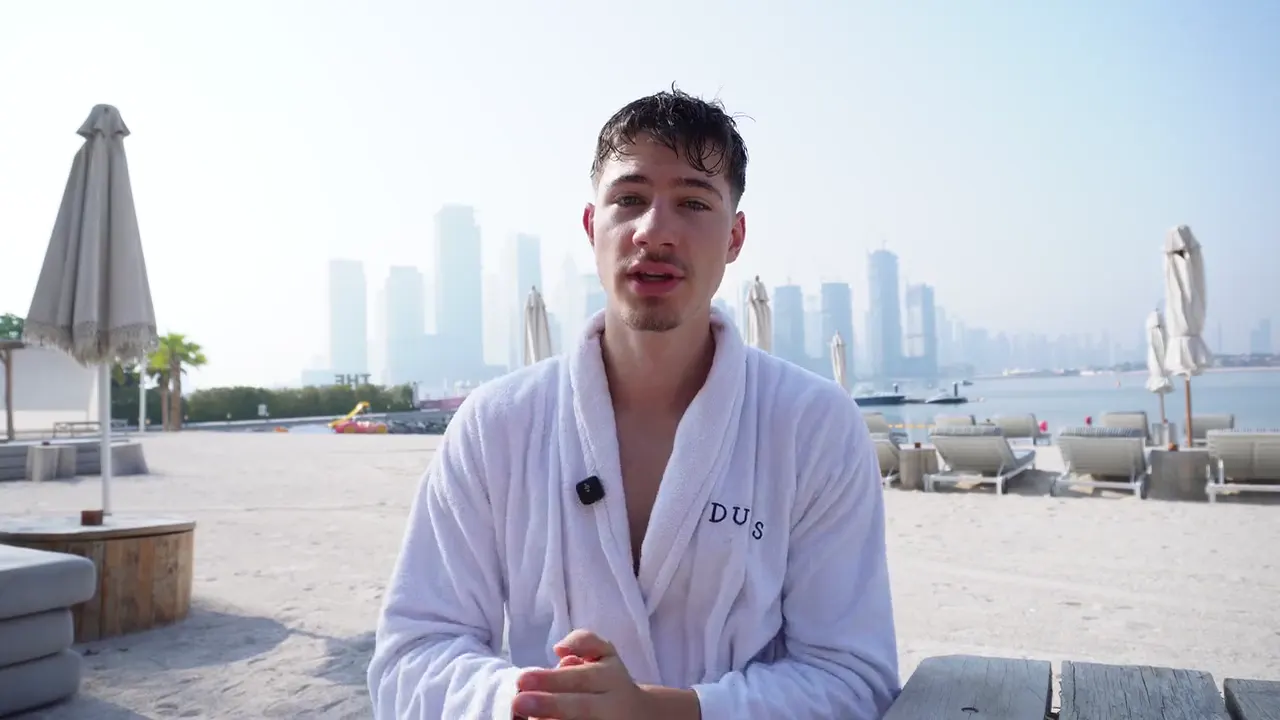 rawedited
real footage · raw on the left, edited on the right · drag to compare
You record. Our AI-powered editor handles the edit. You review and approve.
Fresh hooks and scripts every month. Made for your business and your audience.
Your signature style. From Shorts to long-form.
Pick your look. Bring us any YouTube style.
Explore new looks as they drop. Every style gets your colors, fonts and logo.
Split Screen, Vox, Luxury and more. New looks keep coming.
Two minutes of footage become one polished video. Out go the stumbles, pauses and retakes. In come captions, zooms, B-roll, graphics and music.
8takes37captions11zooms4graphics23sounds
2:00 of raw footage became a finished 44-second video: 8 takes, 37 captions, 11 zooms, 4 graphics, 23 sounds.
Our clipping engine finds the strongest moments in your YouTube videos and podcasts. Then turns them into Shorts.
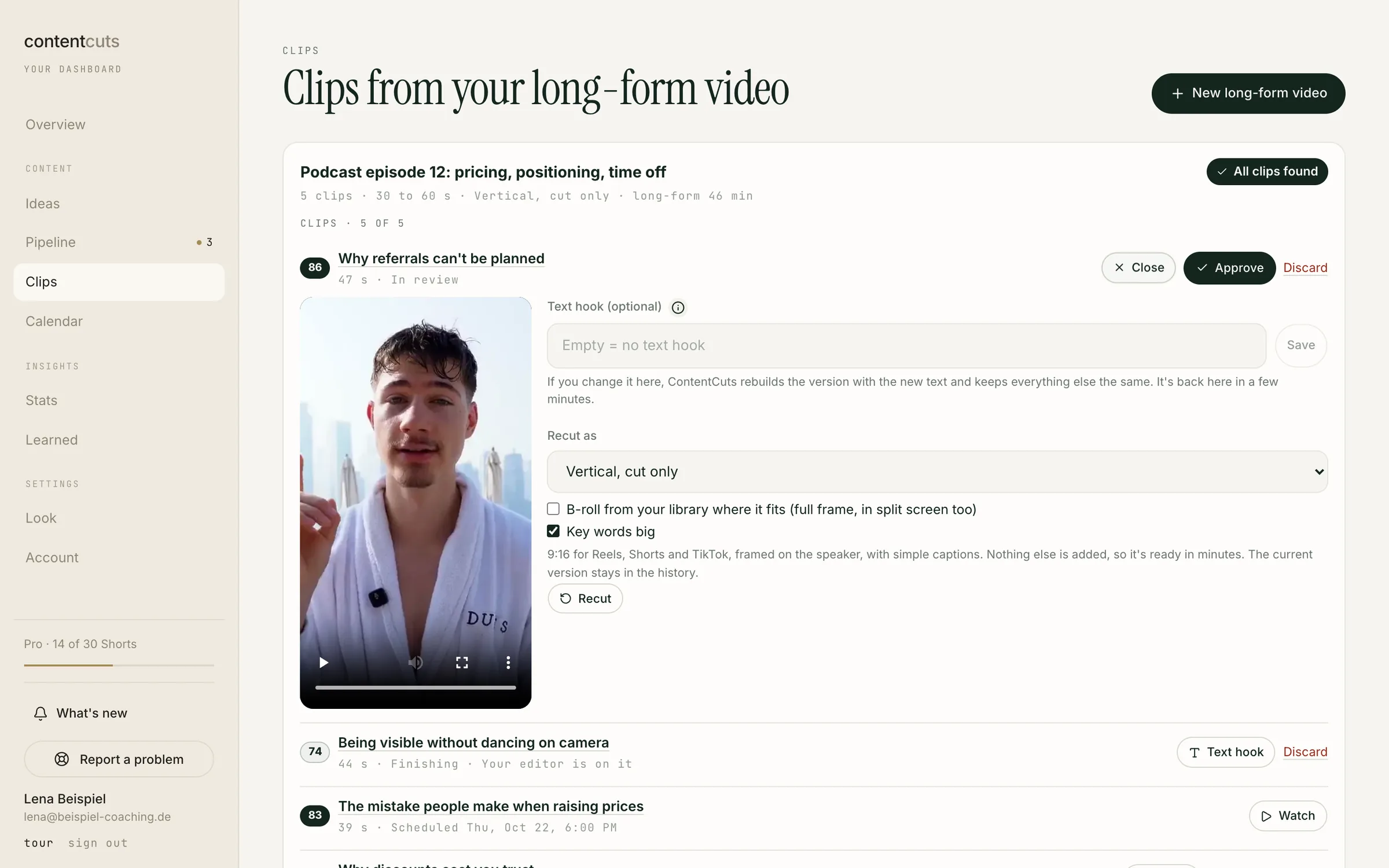
Schedule and publish to Instagram, TikTok and YouTube. See what lands with your audience.
Real dashboard. Sample data.
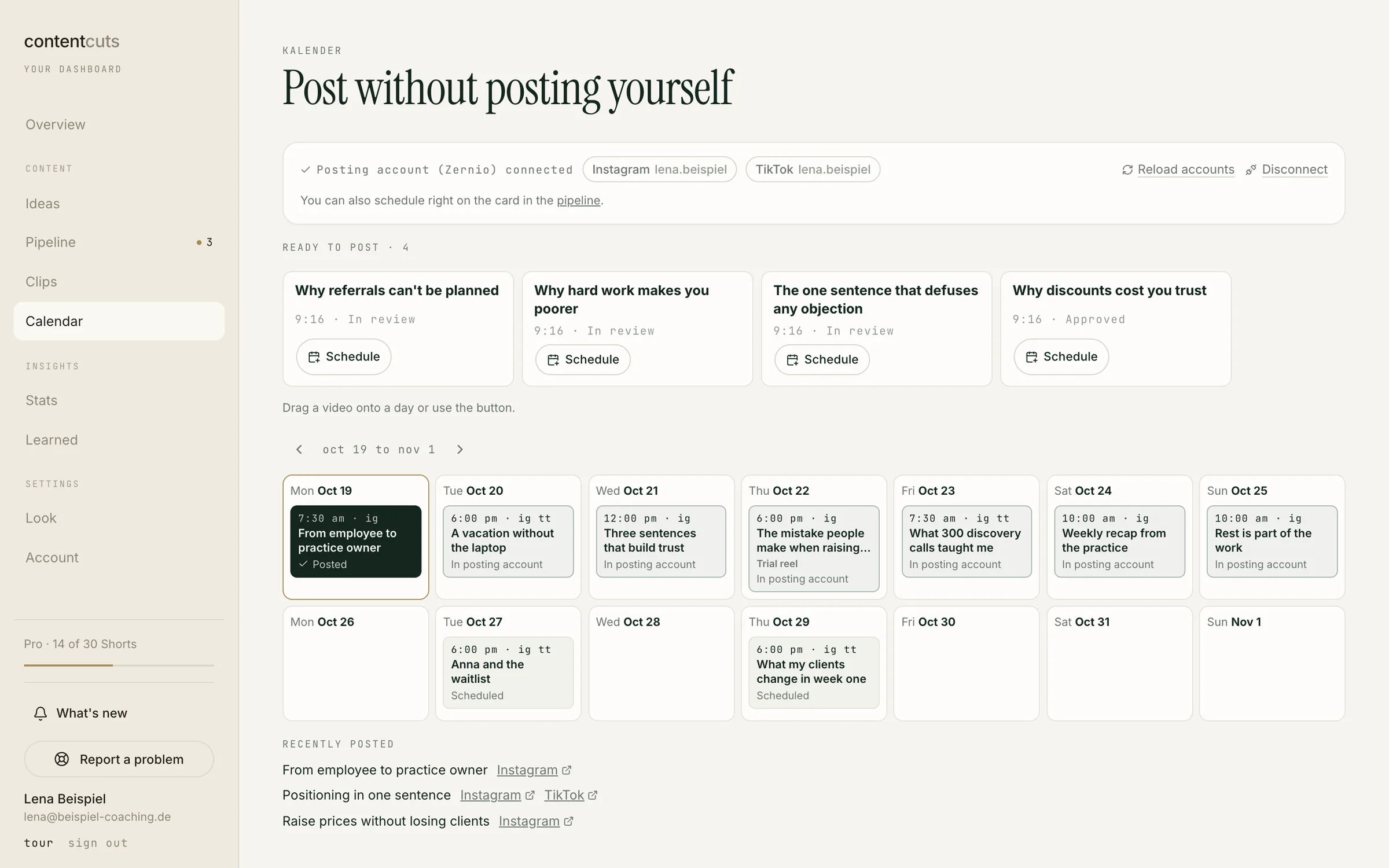
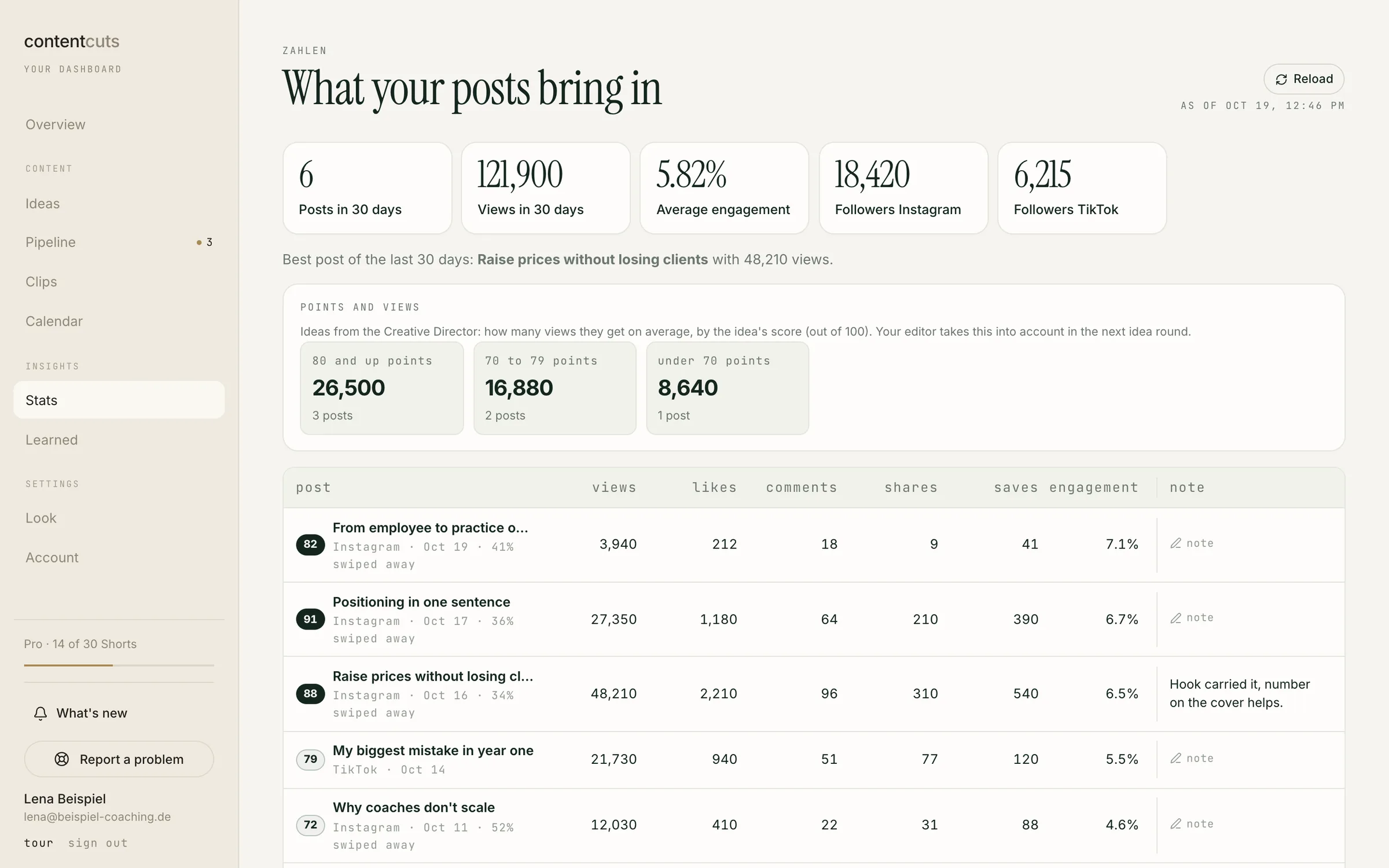
Ideas, editing and publishing in one workflow. So you can focus on your clients and your business.
$1,500-$3,000
per month, typically for 10-30 videos
2-5 days
turnaround per video
from $197
per month plus applicable tax, no AI subscription
24 h Short · 72 h YouTube
Target times from complete upload, not guaranteed deadlines. Details and exceptions
you save$1,300-$2,600less per month*
* Estimates for comparison, not guaranteed prices or turnaround times. Math: 10 videos with an editor at $1,500 vs. Mini at $197, 30 videos at $3,000 vs. Pro at $397. Turnaround varies with footage and project scope.
All prices in USD, plus applicable tax. Start with the 7-day trial or go straight to Pro or Max.
plus applicable tax · then $197/month
cancel anytime before the trial ends
plus applicable tax
cancel monthly
plus applicable tax
cancel monthly
Shorts up to 100 seconds count as 1, up to 3 minutes as 2. Clips are 30 to 60 seconds, depending on the content. YouTube videos up to 15 minutes count as 1, up to 30 minutes as 2. Raw footage: up to 20 minutes per Short, up to 90 minutes per YouTube video. Clip sources: up to 60 minutes and 5 GB per file. Allowances reset each billing month. Unused allowances do not roll over.
Let's build a plan around your team and your clients.
All prices in USD, plus applicable tax. For business customers only. · 1 revision round per video included, extra rounds $5 (short) / $10 (long-form), billed on your next invoice. · Terms · DPA
Try Mini for $19 plus applicable tax. You get 7 days, 3 Shorts, 1 YouTube video and 10 ideas. Cancel in your dashboard before the trial ends and you will not be charged again.
Unless you cancel, Mini starts on day 8 at $197/month plus applicable tax, with a fresh full allowance. After that, you can cancel any time in your dashboard. Your plan ends at the close of your billing period.
Upgrade or wait for your next monthly billing period. Your dashboard shows the reset date. Unused allowances do not roll over. During the trial, you can also start Mini right away.
A finished Short up to 100 seconds counts as 1 video from your plan, up to 3 minutes as 2. A clip is 30 to 60 seconds, depending on the content, never longer than 60 seconds, and always counts as 1. A YouTube video up to 15 minutes counts as 1, up to 30 minutes as 2. Unless you choose otherwise, we deliver Shorts up to 100 seconds and YouTube videos up to 15 minutes. The longer version is only made if you pick it and your allowance covers it. Raw footage: up to 20 minutes per Short, up to 90 minutes per YouTube video. External clip sources: up to 60 minutes and 5 GB per file.
No AI subscription needed. Done for you. Upload your raw footage and we handle the rest.
Pro includes 10 clips from 1 new clip source of up to 60 minutes per month. Max includes 30 clips from up to 4 new clip sources with 120 minutes in total. Each source can be at most 60 minutes long and 5 GB. Clip sources count separately from your YouTube videos. We count after our length check, before the source is processed; the same file counts only once per billing month.
1 revision round per video included, extra rounds $5 (short) / $10 (long-form), billed on your next invoice. Prices are plus applicable tax. You confirm the price before requesting an extra round.
All prices are in USD, plus applicable tax. ContentCuts is for business customers. Find your invoices and manage your payment method in the billing portal through your account.
Try Mini for $19 for 7 days, plus applicable tax. Then $197/month plus applicable tax unless you cancel.
Try the AI editor